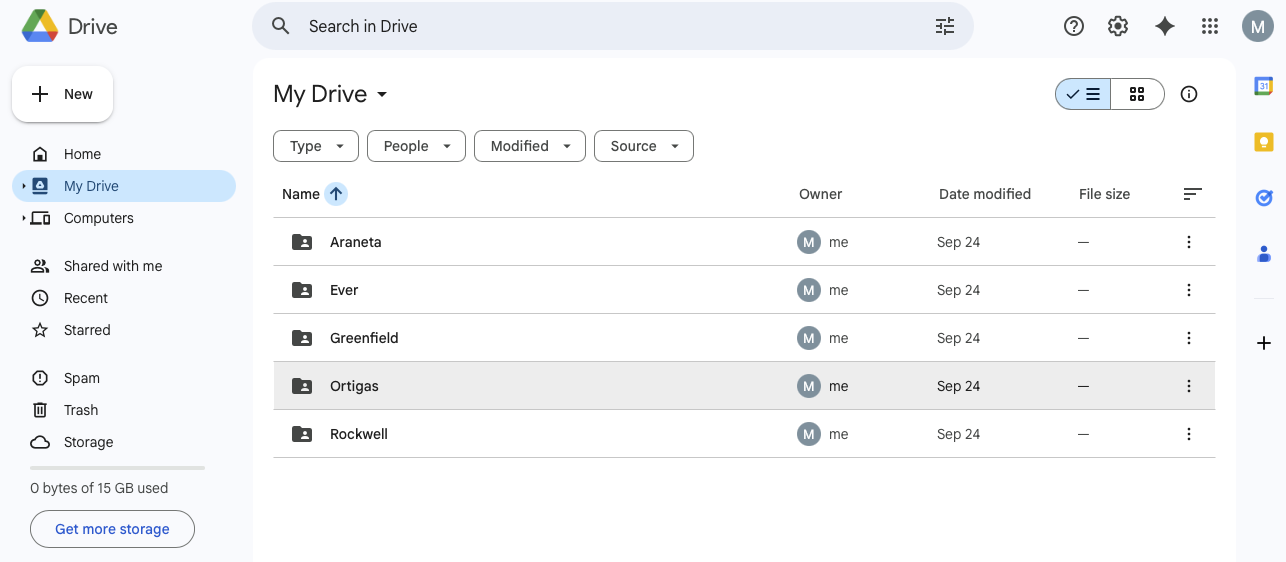
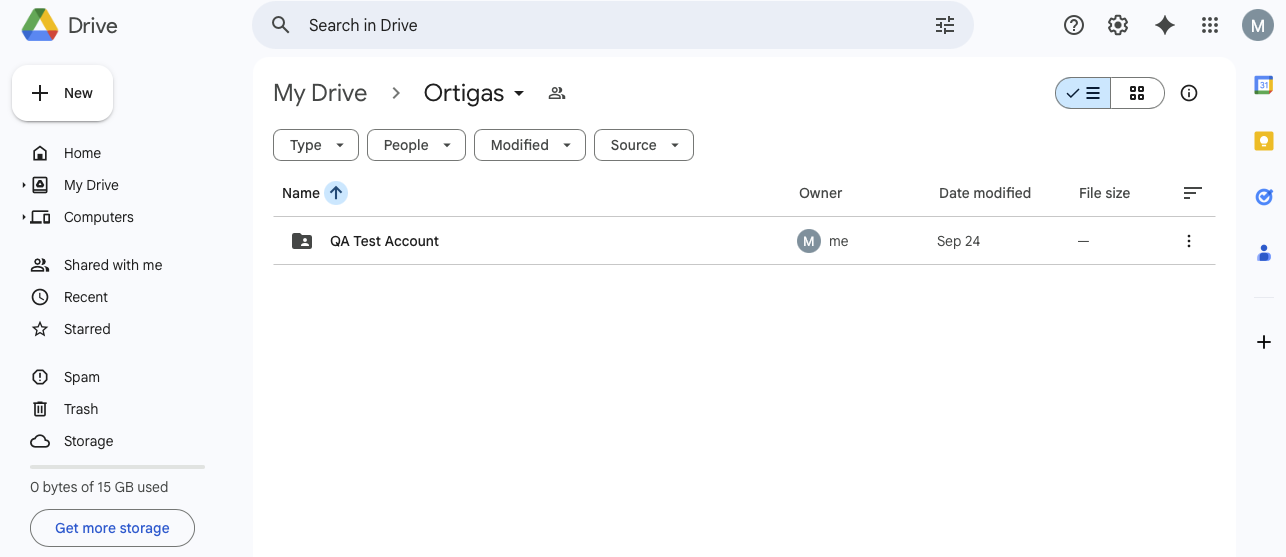
Put the new folder inside the designated mall folder:
For example: GDrive > Ortigas > Location Name on POS
Once received, Store will send the Tenant Code to Mosaic Team (Data Implem) then Mosaic Team (Data Implem) will encode the details on the Back Office > Location details using Super Admin account. Select “Ortigas” on the mall dropdown field. Leave the “Activate Sales File Sending” ticked to start sending the sales files.
That’s it! Sales files will be automatically sent to the shared GDrive folder upon day end on POS Front Office.
Store will download the sales files from the shared GDrive folder and upload it to Ortigas Portal after every day end
Did this answer your question?Thanks for the feedbackThere was a problem submitting your feedback. Please try again later.
.jpg)